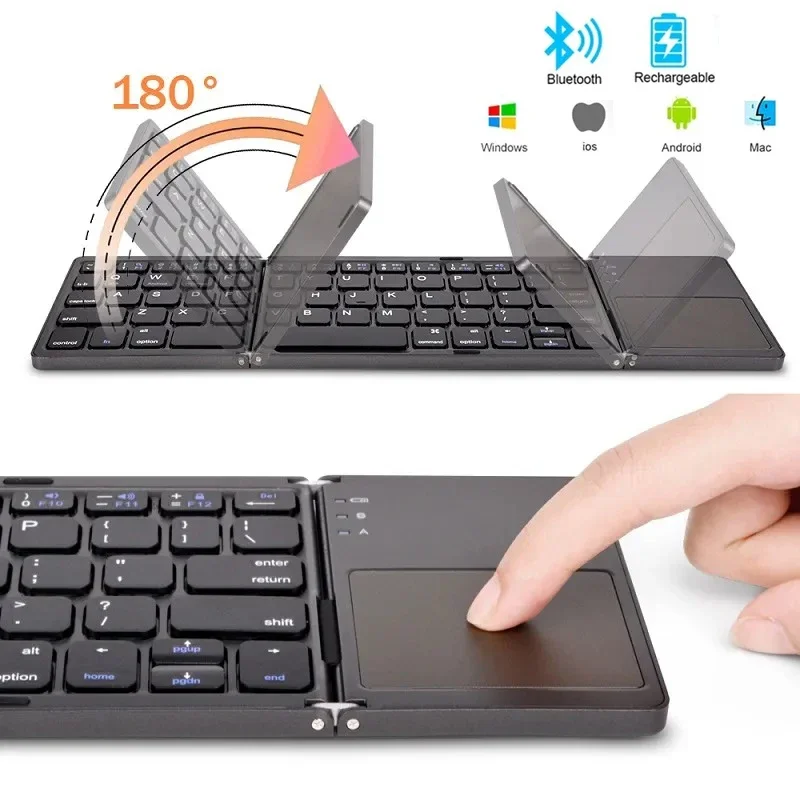
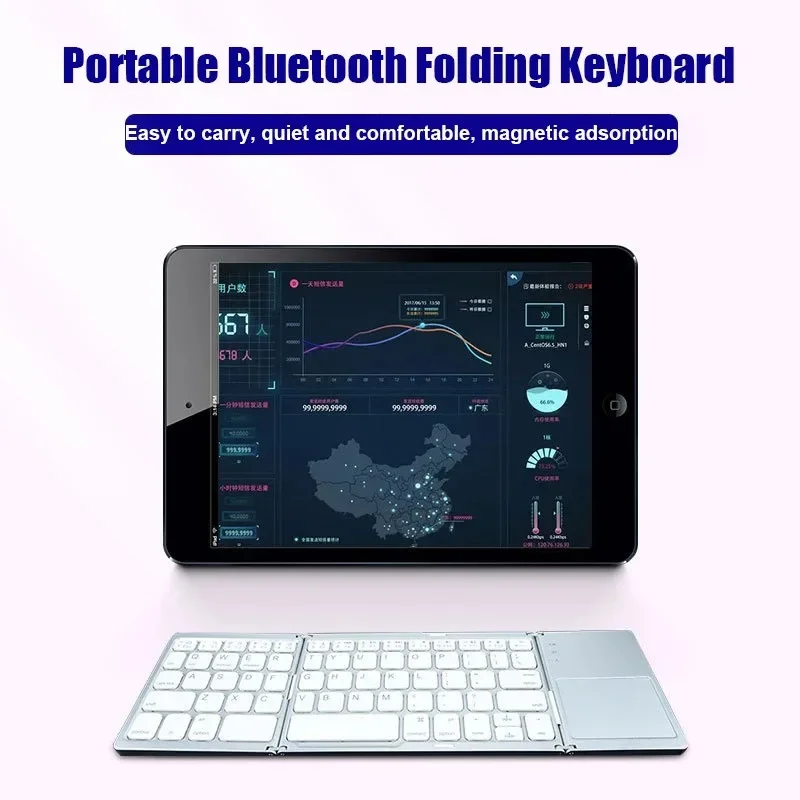
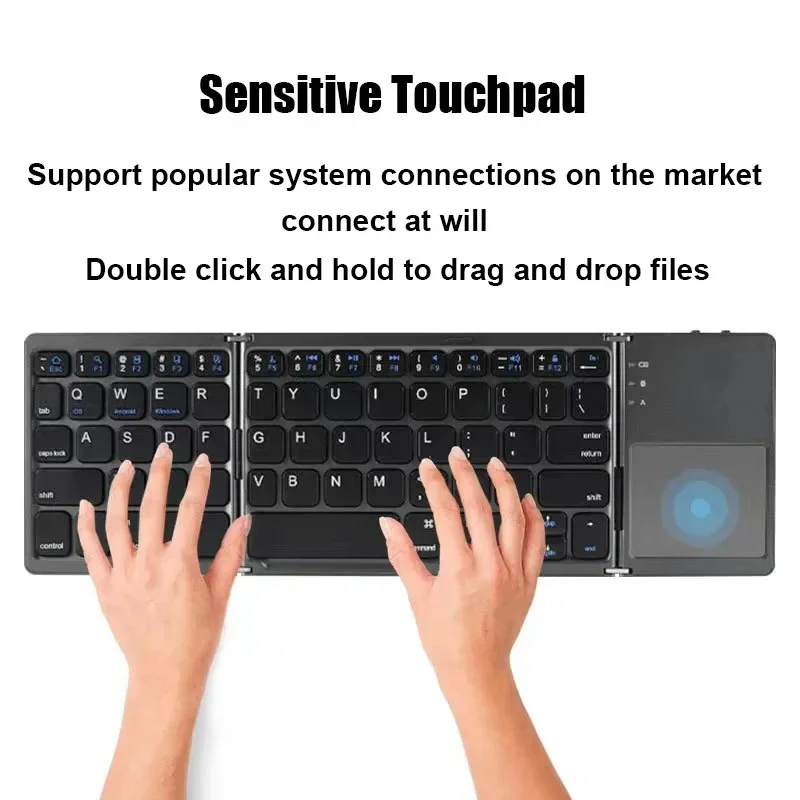
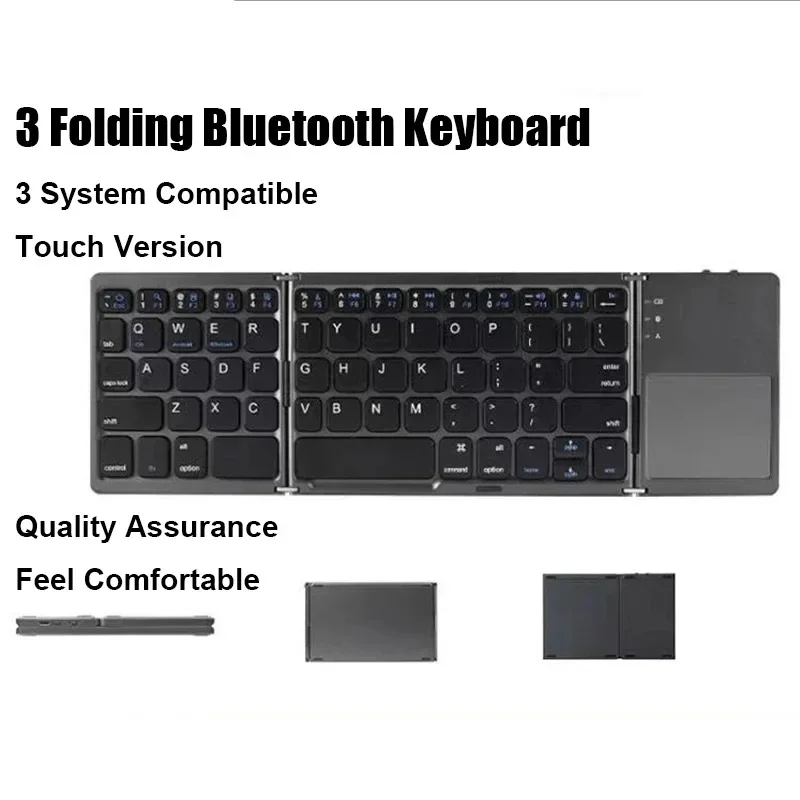
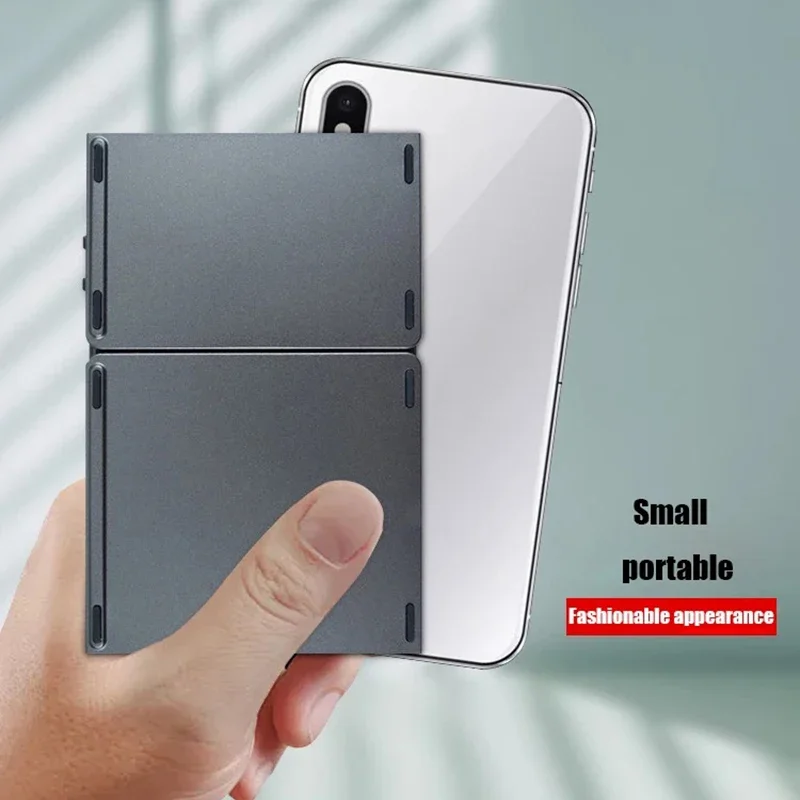
Wireless Folding Keyboard Bluetooth Keyboard With Touchpad For Windows Android IOS Phone Multi-Function Button Mini Keyboard
Wireless Folding Keyboard Bluetooth Keyboard With Touchpad For Windows Android IOS Phone Multi-Function Button Mini Keyboard
Precio habitual
$150.00 USD
Precio habitual
$0.00 USD
Precio de oferta
$150.00 USD
Los gastos de envío se calculan en la pantalla de pago.
Cantidad
No se pudo cargar la disponibilidad de retiro
SPECIFICATIONS
Application: Desktop,Laptop,Desktop,Laptop,Tablet
Backlight Type: No backlight
Battery: Built-in Lithium battery
Battery Included: Yes
Brand Name: DIXSG
Certification: CE
Feature 1: Wireless Keyboard
Feature 2: Keyboard Wirelesss
Feature 3: Mini Keyboard
Feature 4: Laptop Keyboard
High-concerned chemical: None
Interface Type: USB,USB,bluetooth
Keyboard Standard: 61 Keys,Mini Keyboard
Keycup material: ABS plastic
Language: Europe,English,English
Operating Distance: Up to 10 meters
Operation Style: Capacitive,Capacitive
Origin: Mainland China,Mainland China
Style: Standard,Standard,Gaming,Mini,For Laptop
Support System: IOS / Windows/ Android
Type: Bluetooth Wireless,Bluetooth Wireless
 Specification:Number of key caps: 81 keys
Key working current: < 4mA
Standby current: < 0.65mA
Touchpad working current: 15mA
Sleep current: 27μA
Net weight of keyboard: About 275g
Lithium battery capacity: 140mAh
Working distance: 10m
Awaken way: Press key
Working voltage: 3.7 V
Charger specifications: 5V 1A or 2A
Sleep time: Ten minutes
Standby Time: 90 Days
Uninterrupted Working Time: 35H
System support:Win/Android/IOS/OS/HMS
Open Size: About 304.1*216*6.1mm
Folded Size: About 152.4*100*19.8mm
Touch panel size: About 132 * 61mm
Multi-channel Connection:
When connecting the first device, first press Fn+1 and then press Fn+C to start the connection.
Before connecting the second device, press Fn+2 once, then press Fn+C to start the connection.
Before connecting the third device, press Fn+3 once, then press Fn+C to start the connection.
To use multiple devices at the same time, press Fn +1/ 2/ 3 to switch to the connected devices freely