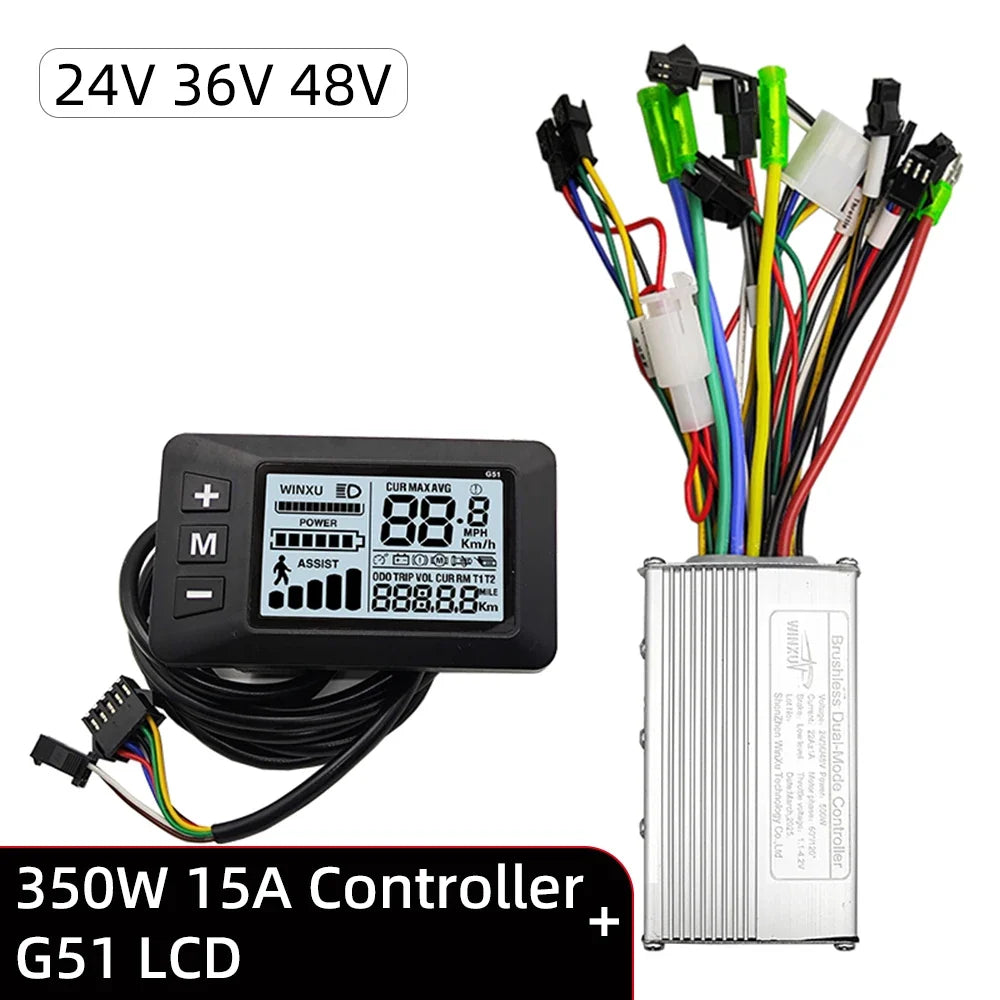
E-bike Brushless Motor Controller 24V 36V 48V 250W 350W with G51 LCD Display Kit Universal for Electric Folding Bike Scooter
E-bike Brushless Motor Controller 24V 36V 48V 250W 350W with G51 LCD Display Kit Universal for Electric Folding Bike Scooter
No se pudo cargar la disponibilidad de retiro
SPECIFICATIONS
Battery Voltage: 24V 36V 48V
Brake type: E-ABS / Low level
Brand Name: NONE
Choice: yes
High-concerned chemical: None
LCD model: G51
Max current: 13A / 15A /22A
Motor type: Brushless Motor with hall
Origin: Mainland China
Original Manufacturer: Winxu Tech
PAS & Throttle Gear: 1-2-3-4-5 gear
PAS type: Dual Hall Pulse Sensor
Power: 250W / 350W / 500W
Protocol type: UART-No.2
Type: Controller
semi_Choice: yes
For more products, please visit our shop
Important Notes
Brushless controllers are only used for brushless motors, which are 3-phase wires + 5 or 6 Hall sensor wires.
Not for use with brushed motors, which have 2 wires only. Please do not order this controller for brushed motors.
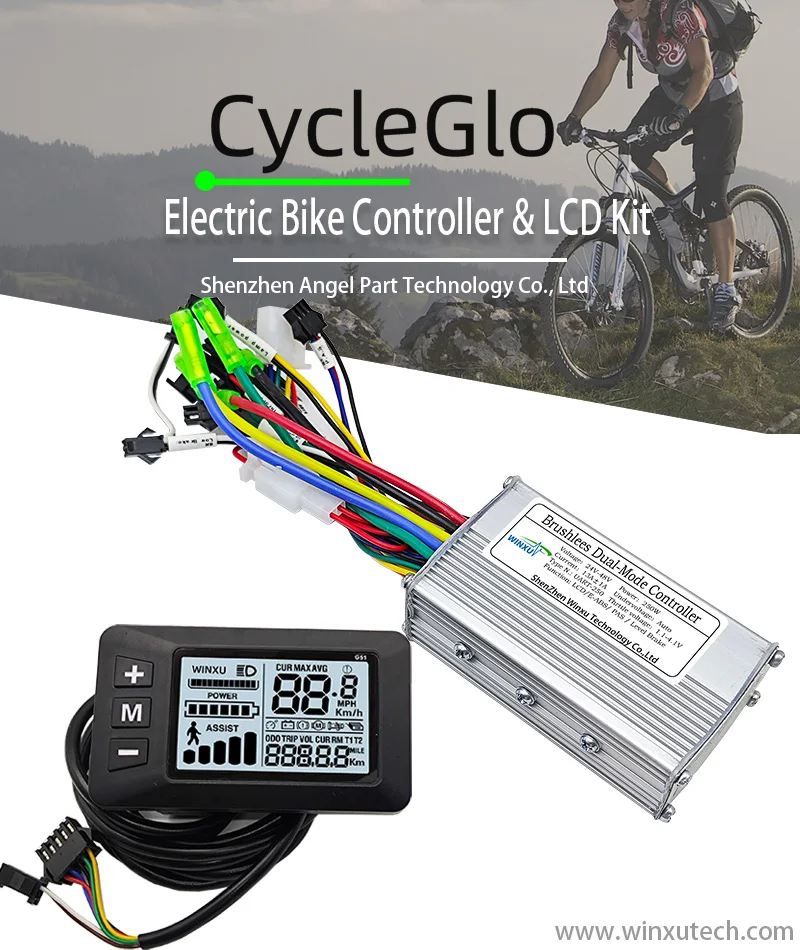
E-bike Brushless Motor Drive Controller & G51 LCD Display Kit
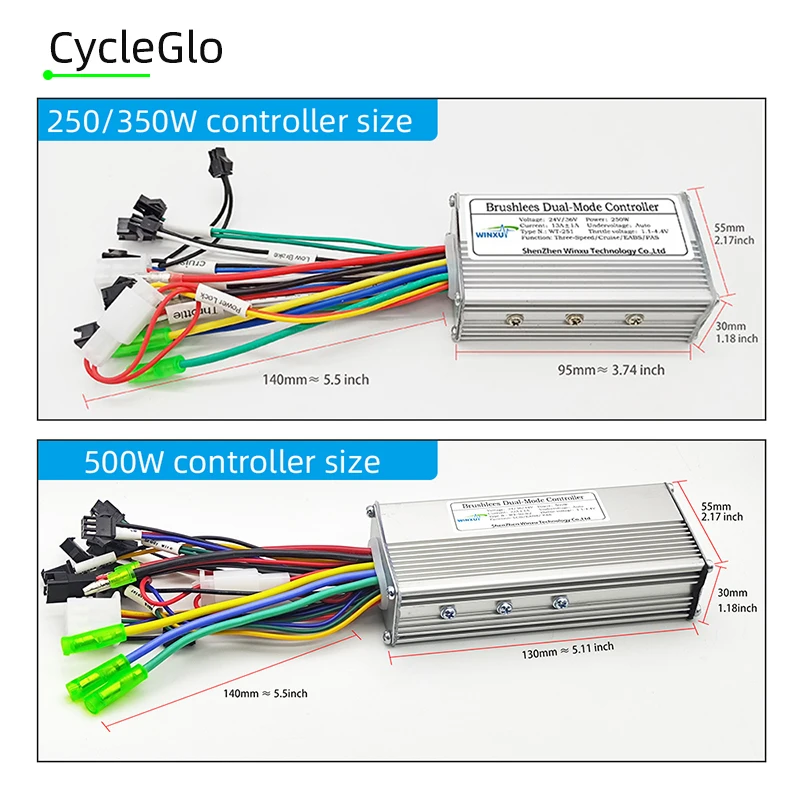
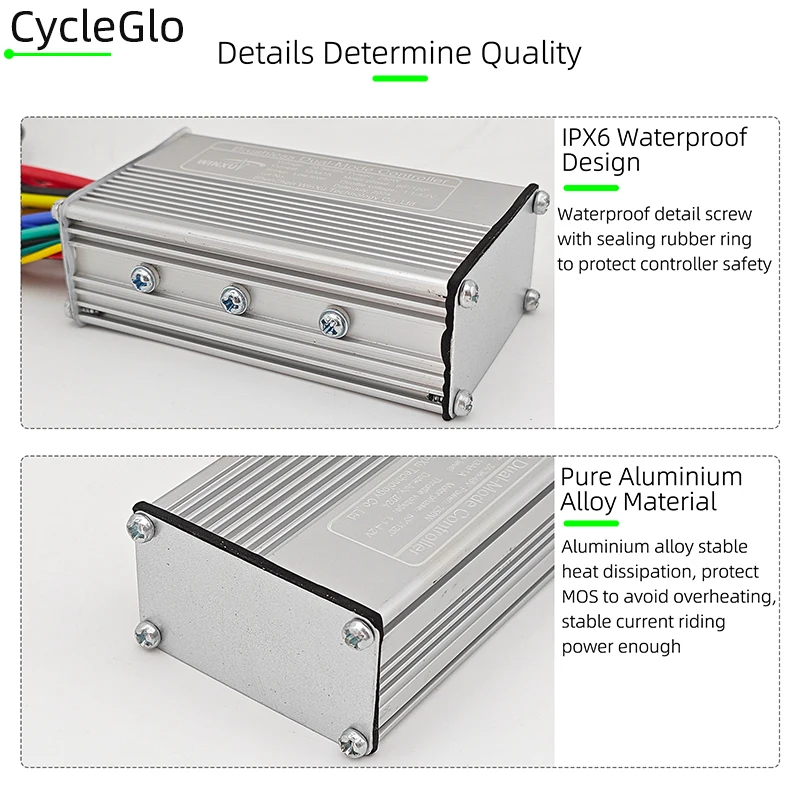
Winxu® Tech Brushless Controller Size
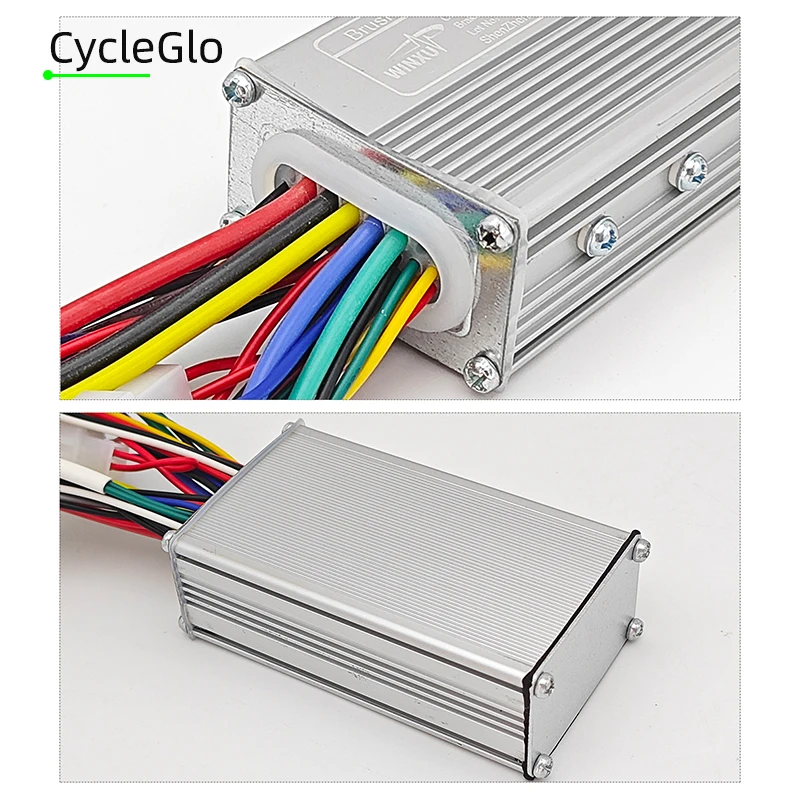
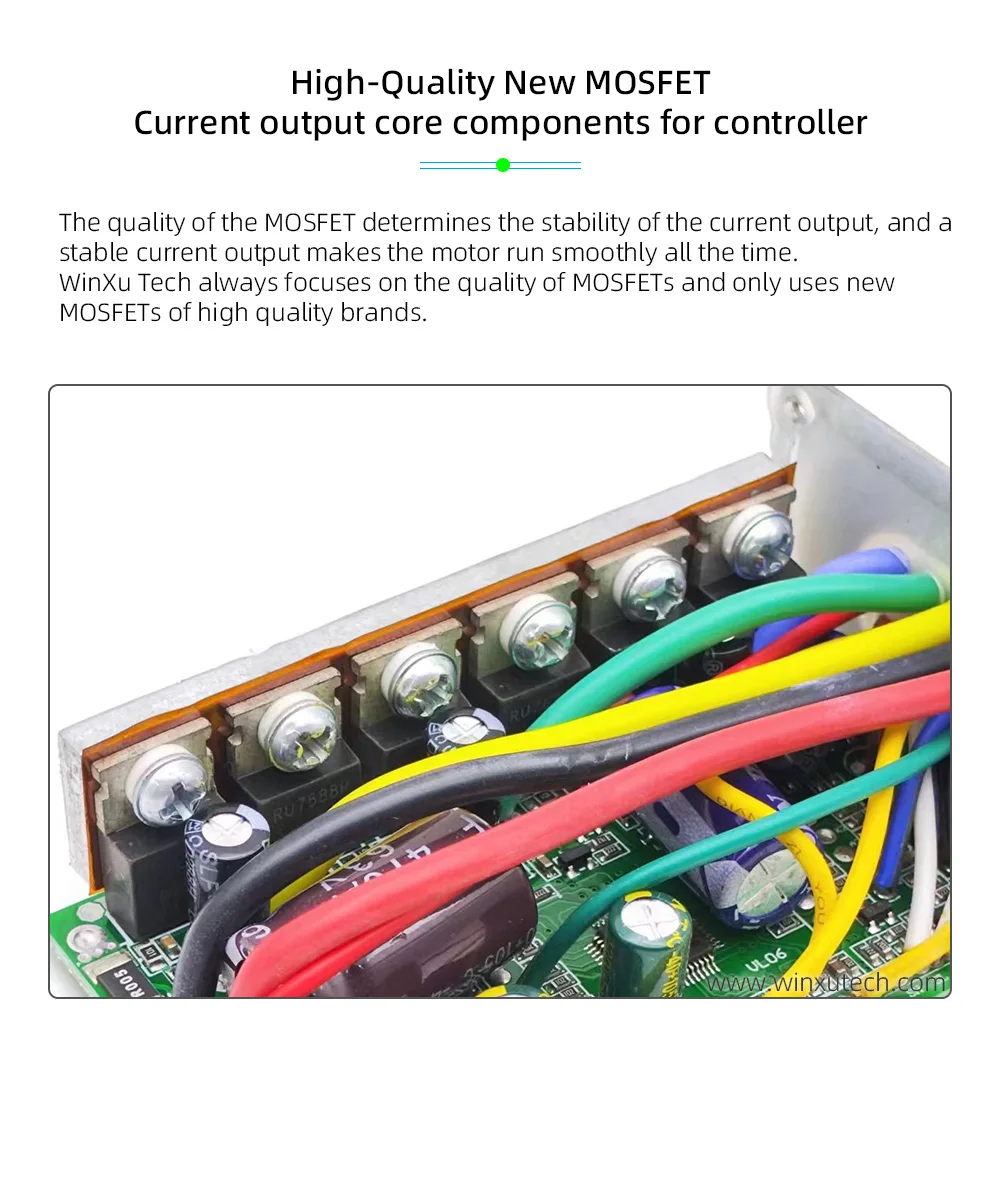
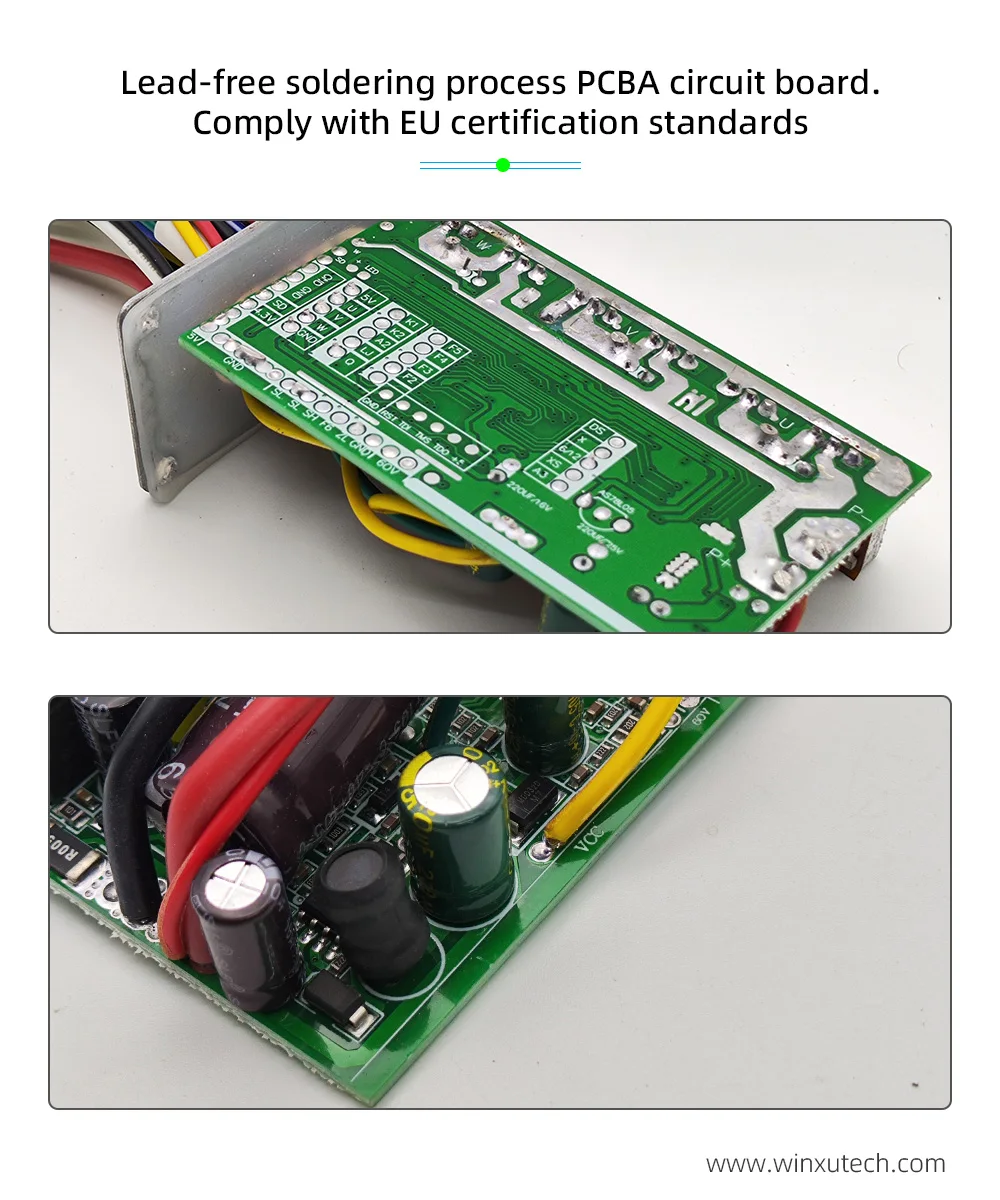
Product Detail Show
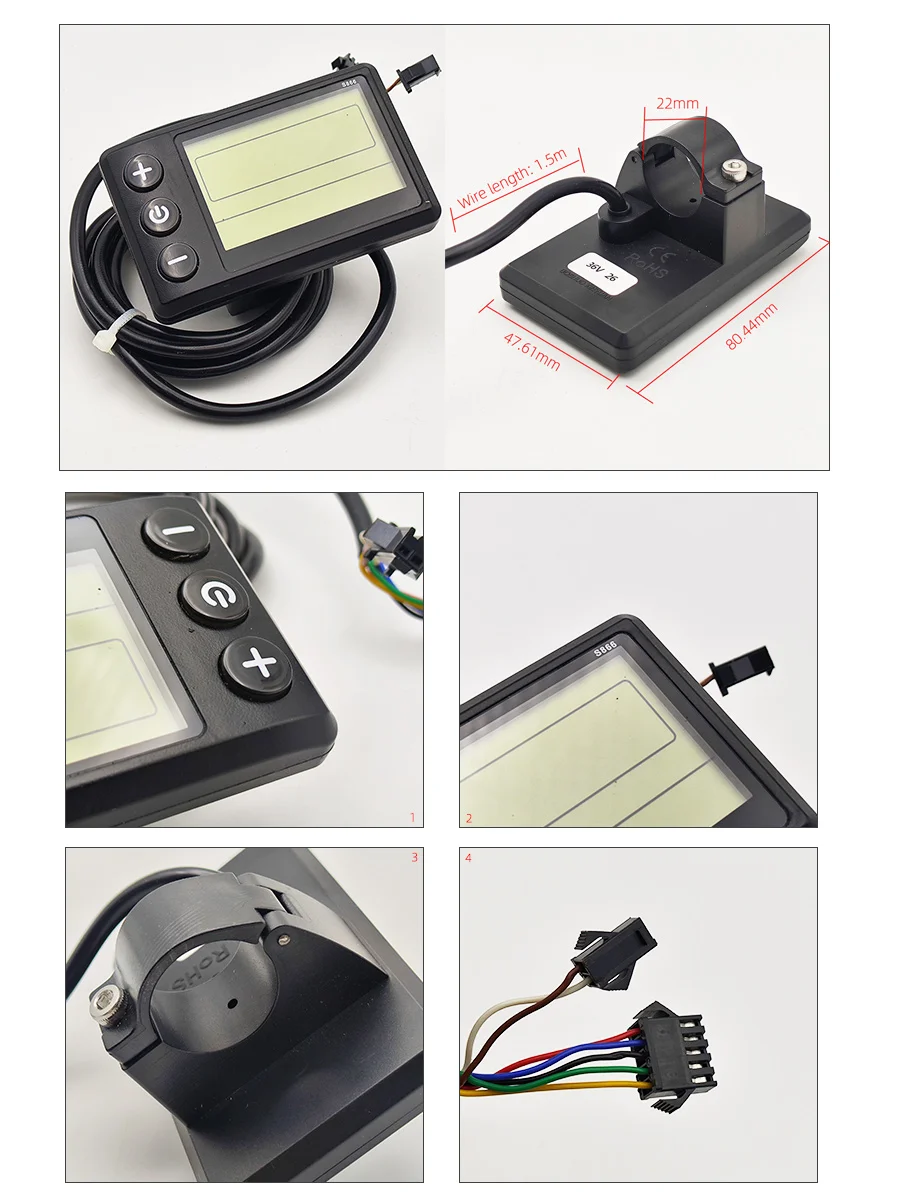
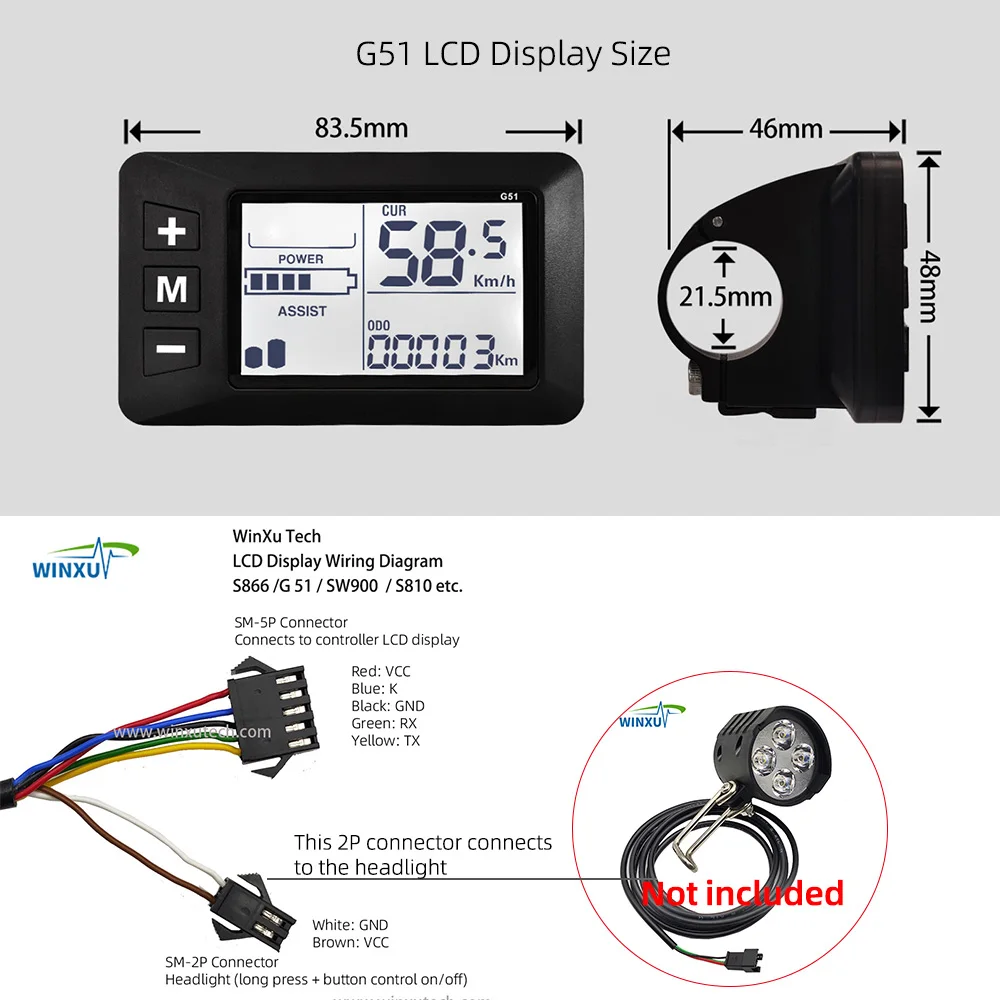
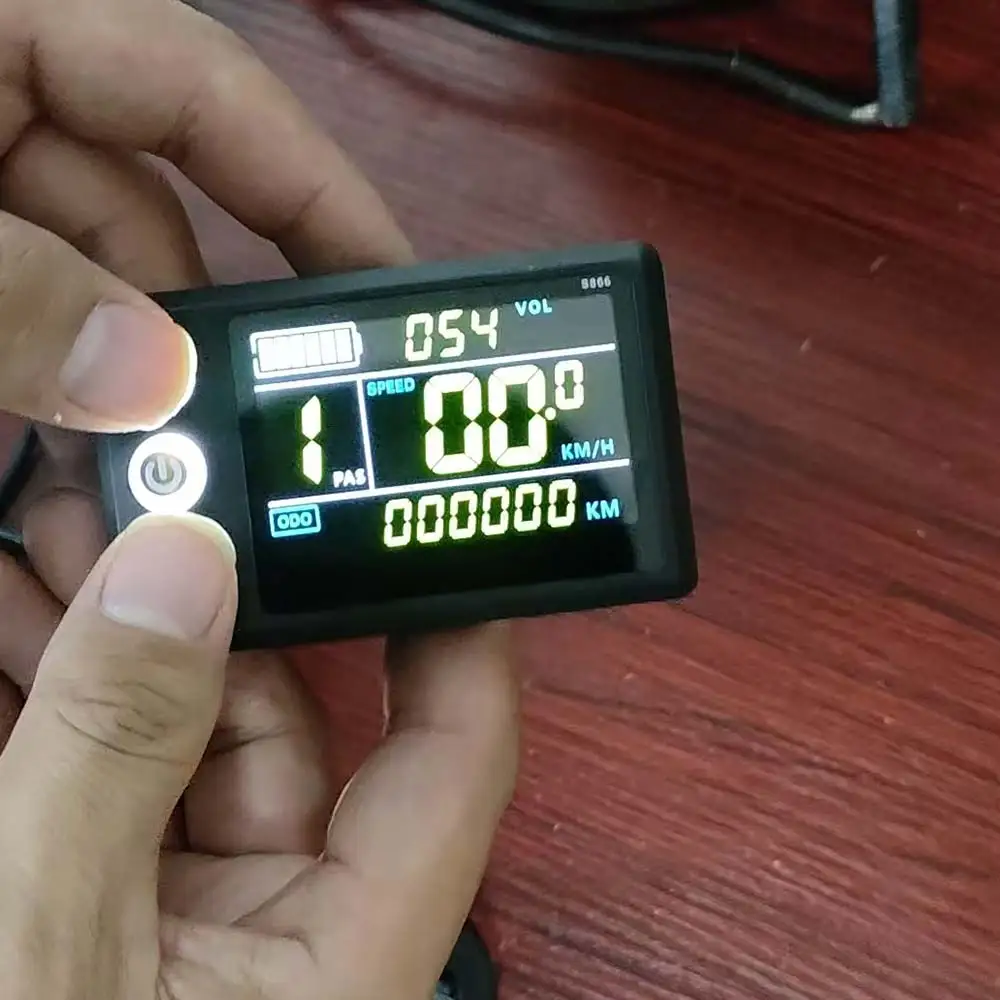
S866 LCD Display Detail
Tip:
This product appearance is universal for S866 black and white and color LCDs
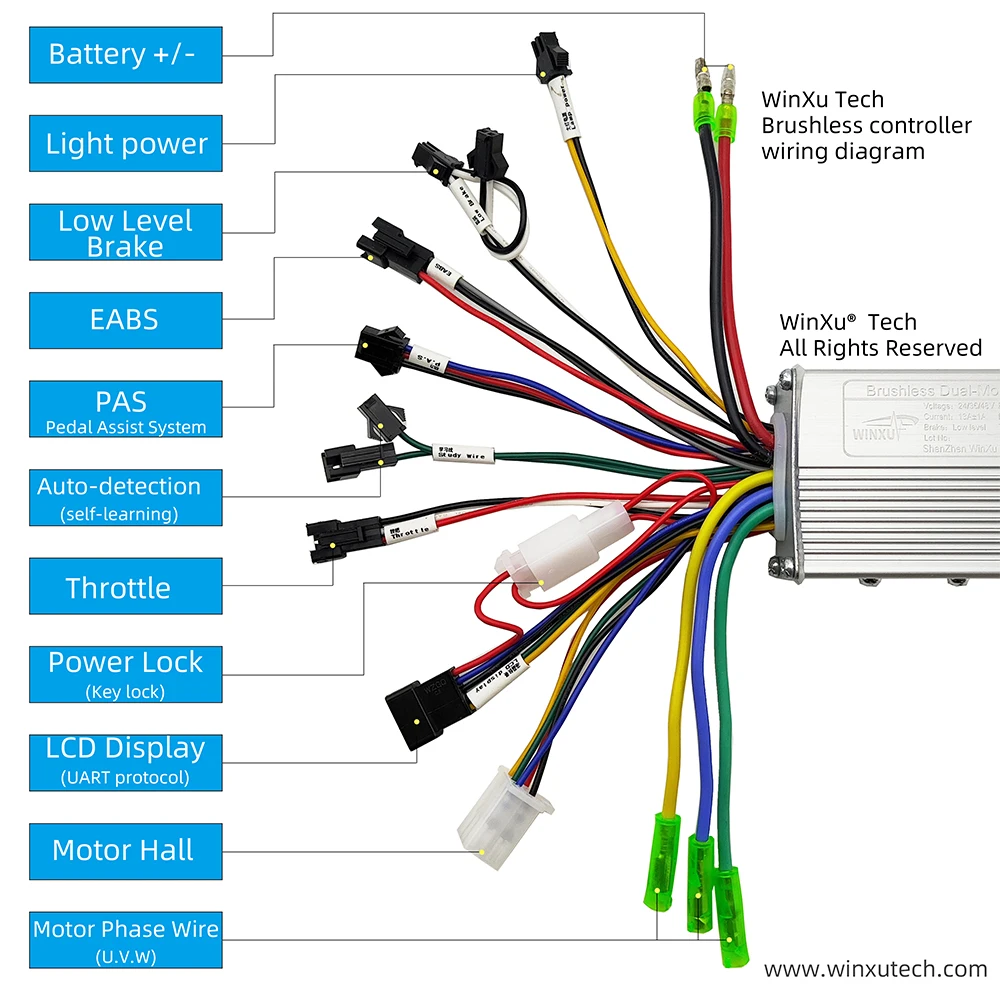
Winxu® Brushless Controller Wiring Diagram
Tip:
This controller hall sensor is 6 wire, LCD get hall sensor speed display, this controller is also compatible with 5 wire hall sensor.
LCD Display Wire Description
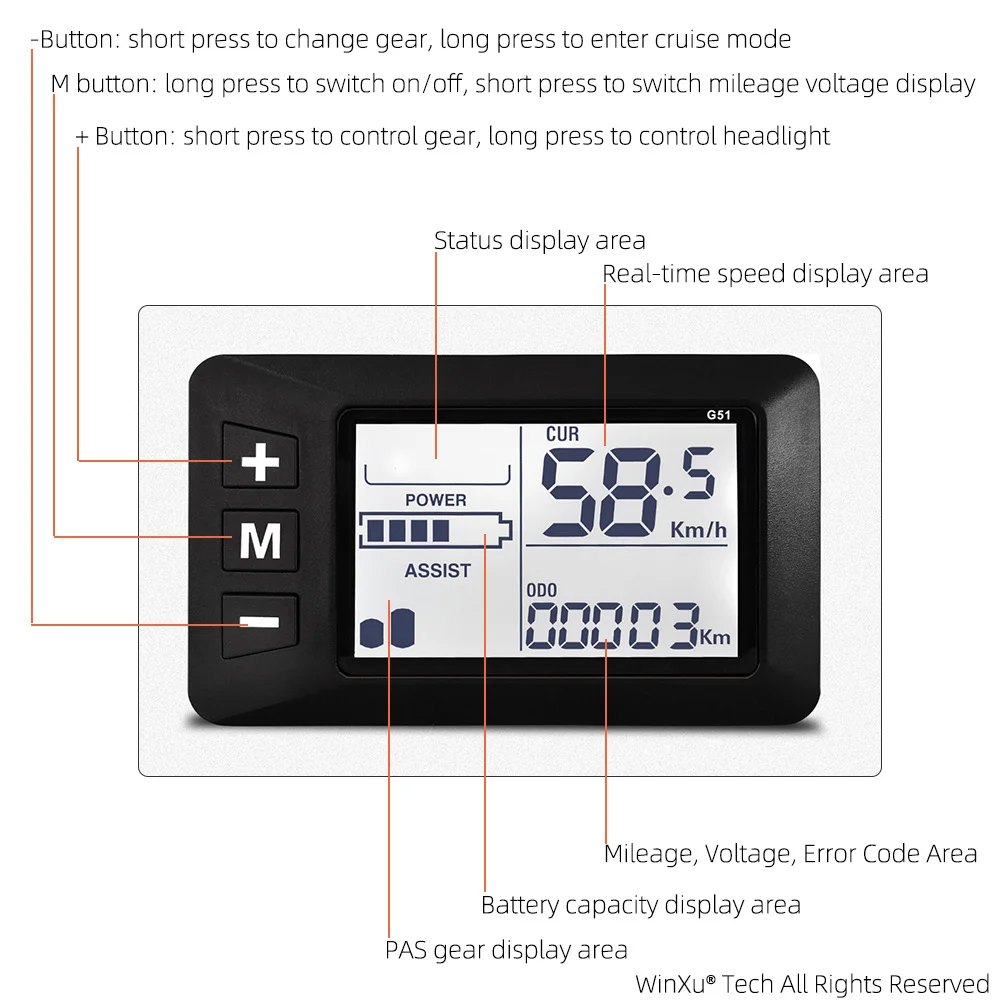
LCD Display Button Description
“+” button:
Short press: Increase gear
Long press: control headlight on/off
“-” button:
Short press: Decrease gear
Long press: enter 6km/h or cruise mode
Power button:
Short press: switch data display
Long press: switch the device on/off
Basic Installation Wiring Reference
1. controller
2. brushless Motor
3.LCD display
4. PAS sensor
5. throttle
6.dual brake( low level)
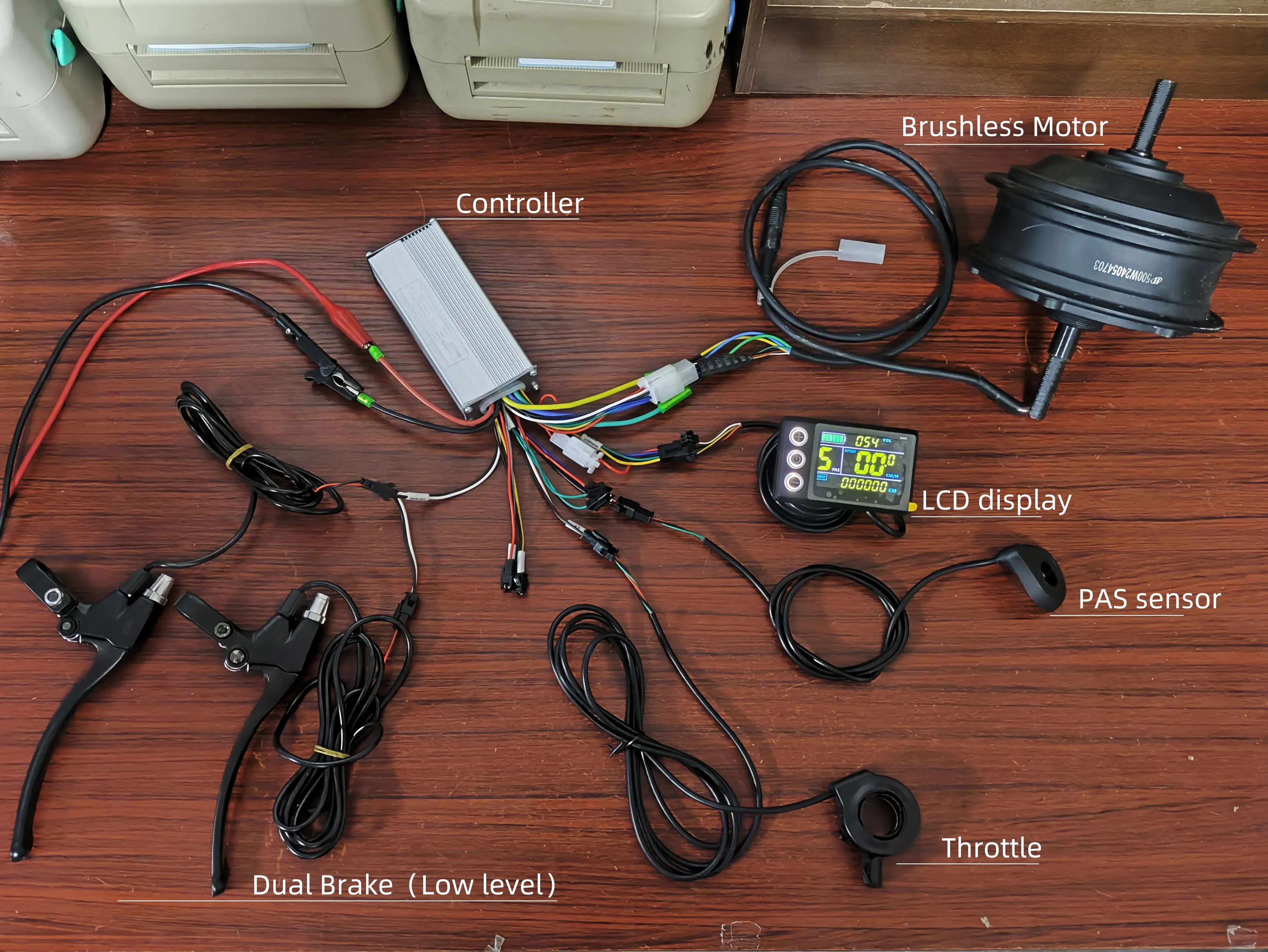
This is a basic mounting reference, the picture uses a brushless geared motor with a hall sensor, this motor is a 6 wire hall sensor.
If you are using it for an E-scooter hub motor, this controller also supports 5 wire Hall sensors. Please make sure the motor has a Hall sensor because this controller gets the RPM from the Hall sensor as a signal for the LCD speed display, if your motor does not have a Hall sensor, this controller cannot provide RPM data for the LCD.
Do not use for Hall damaged or Hall-less motors (Hall-less motors have 3-phase wires only). Please do not use for brushed motors, this controller does not support it.
LCD Display Setting Description
1. Press and hold the “+” and “-” buttons at the same time for 3 seconds to enter the setting mode.
LCD Setting Mode Interface Description
1. Setting options
Setting options start with the letter P are shown here, and the meaning of each setting item is described on the next page.
Press the “Power / M ” button to change the setting item.
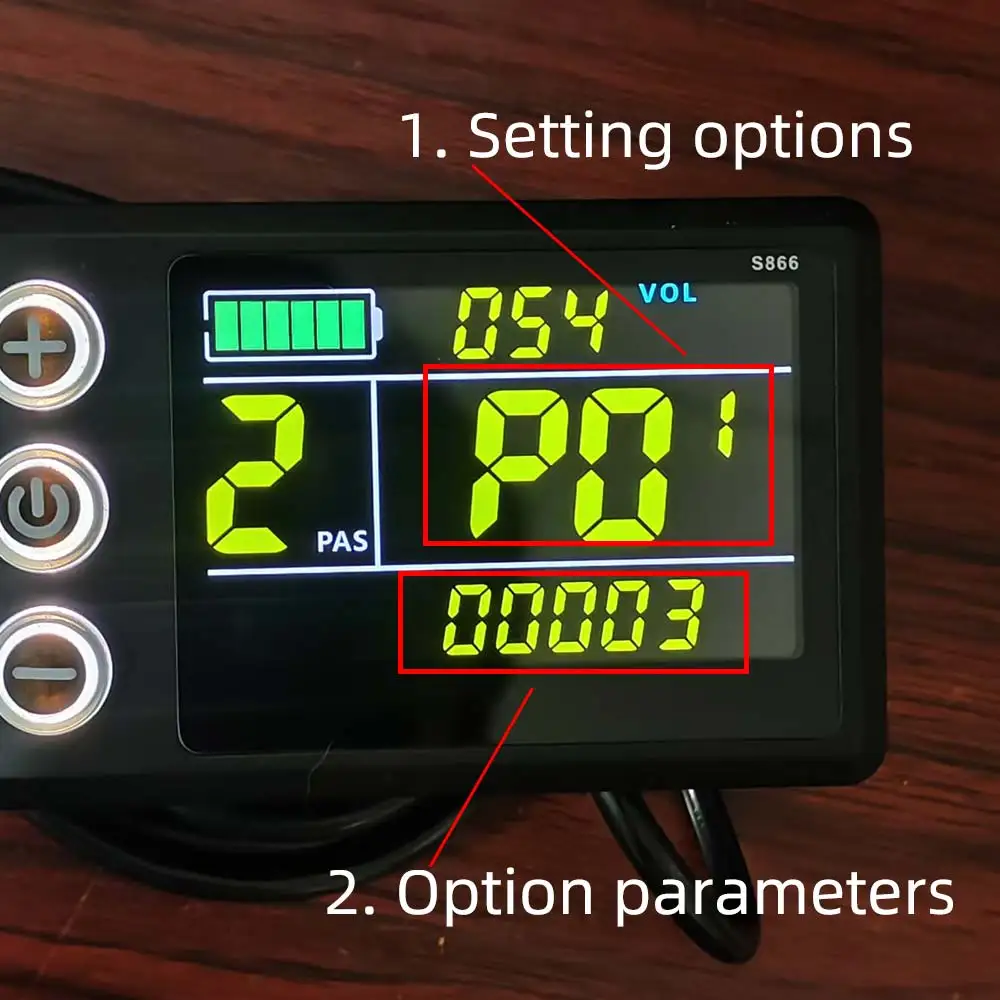
2. Option parameters
This is the parameter selection area for each setup option, which is blinking.
Press the “+” and “-” buttons to select the parameter you want.
Then wait 5 seconds to exit setup mode automatically.
Parameter introduction
P01: Backlight Brightness
P02: Mileage unit
P03: Voltage selection
P04: Sleep Time
P05: PAS Gear
P06: Wheel Diameter
P07: Speed Magnet
P08: Speed Limit
P09: Zero Start Non-Zero Start
P10: Drive mode setting, 0: PAS drive, 1: throttle drive, 2: PAS and throttle drive
P11: PAS sensitivity setting
P12: PAS start strength setting
P13: PAS magnet disc type setting
P14: Current Limit Setting
P15-16-17-18-19: Functions not yet opened, please ignore do not set up
Tip:
P09 and P14 settings are not valid for this controller
P08 speed limit setting, if you need to limit the speed, please confirm the speed limit ratio of 1% to 100%, and no speed limit when setting 100%. Please set the speed limit ratio according to the Google map navigation by yourself, the setting here can not guarantee 100% accuracy.
LCD accurate display speed setting method reference
P06 please set your wheel diameter in inches, for example the wheel diameter is 27.5inch, please set it to 27.5 in P06 and it will be OK.
Then please open your cell phone Google map navigation APP to measure the speed, please ride with high speed and observe the real time speed shown by the navigation and the real time speed shown by the LCD, if the speed shown by the LCD is less than the real time speed shown by the navigation, please reduce the parameter in P07. If the speed displayed by LCD is higher than the real-time speed displayed by navigation, please increase the parameter in P07.
And so on, until the setting is the same as the real-time speed of the navigation display, then you can stop setting, that is to say, the speed display matching is completed.
FAQ
Q: Does it support my motor?
A: Brushless Hall motors are supported, 5-wire Hall and 6-wire Hall are OK.
Q: Is my motor a brushless motor?
A: Brushless motor is 3-phase wire (thick wire) + 6 or 5 Hall wire (thin), others are not brushless motor.
Q: Why does the LCD display E07?
A: It's because you install it for the first time, the controller didn't finish matching, please plug the self-learning wires to match your motor, then the high speed drive E07 will disappear.
Q: How to match the motor?
A: Please plug the self-learning wires (the male and female connectors of the two green wires) on the controller after powering on, the motor will be driven, if the motor is driven in the reverse direction, please disconnect it and change the driving direction again. If the motor is driven in the reverse direction, please disconnect it and change the driving direction again. After the motor is driven stably and in the forward direction, please disconnect the self-learning wires and drive the motor at high speed with the throttle to complete the matching.
Other questions, please leave a message to our store customer service, we will reply within 12 hours, online customer service working time: 9:00 am - 22:00 pm.
Please take a detailed video or picture of the problem with you when asking will solve the problem for you more quickly.